
Semantic Staging Tool
A downloadable tool for Windows and Linux
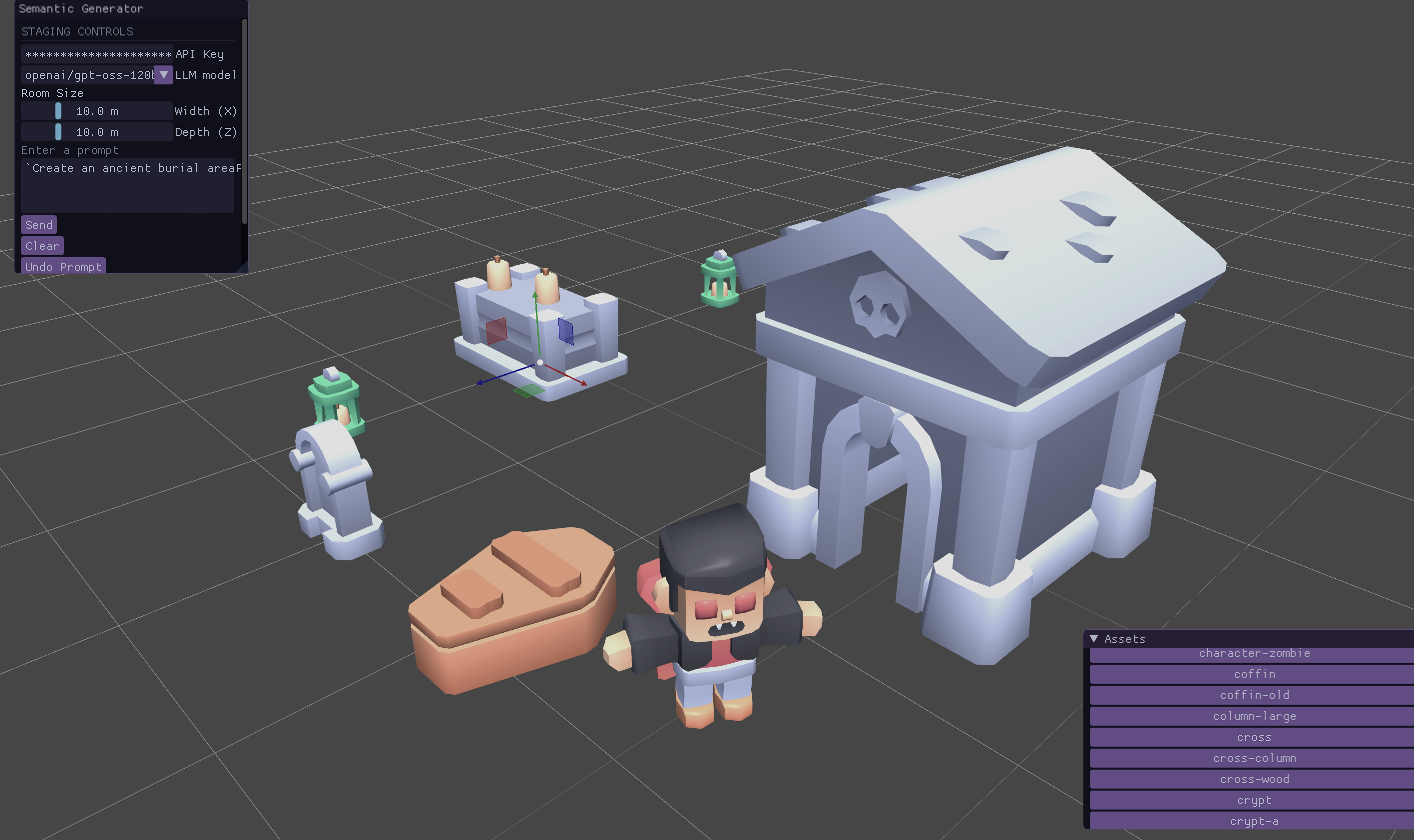
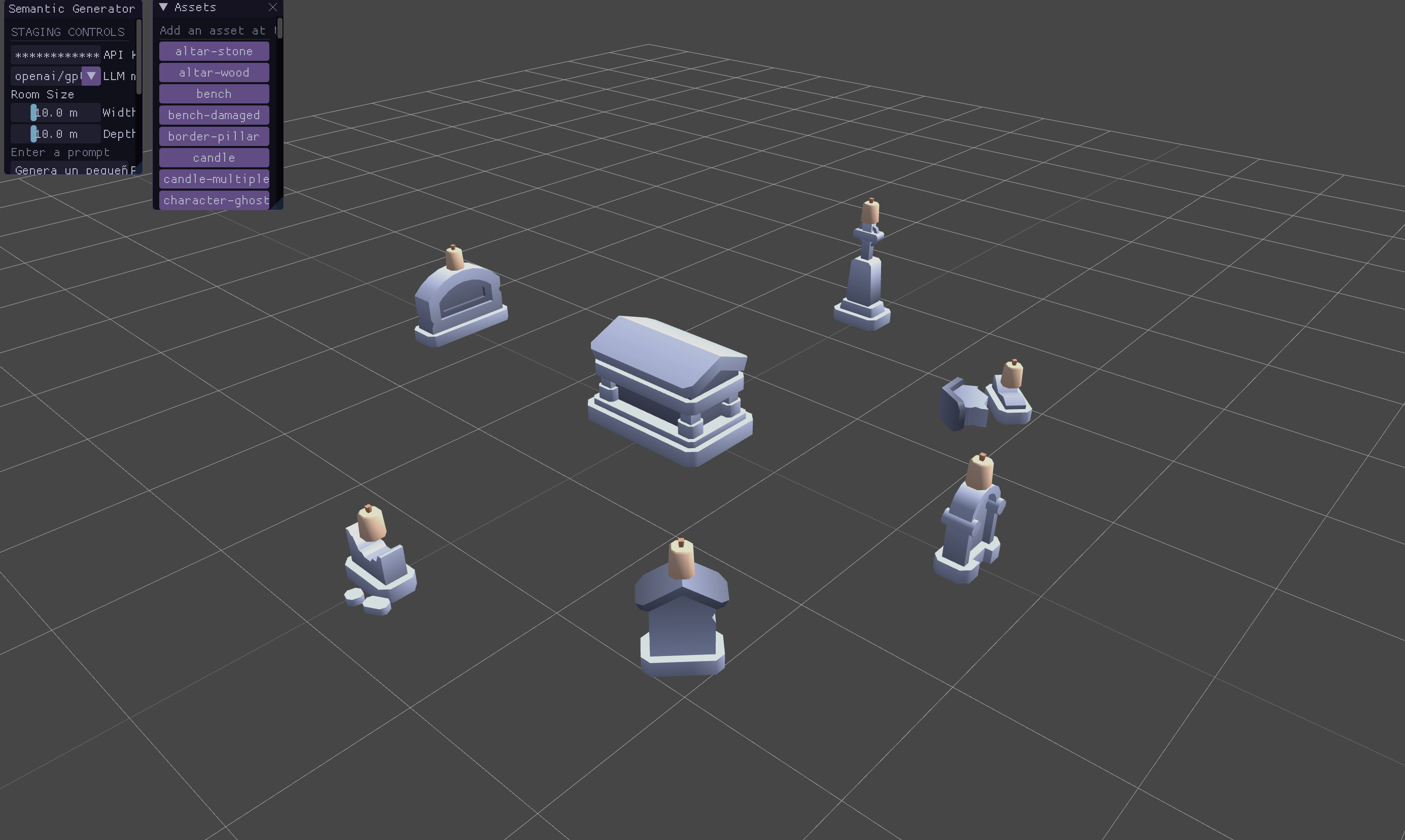
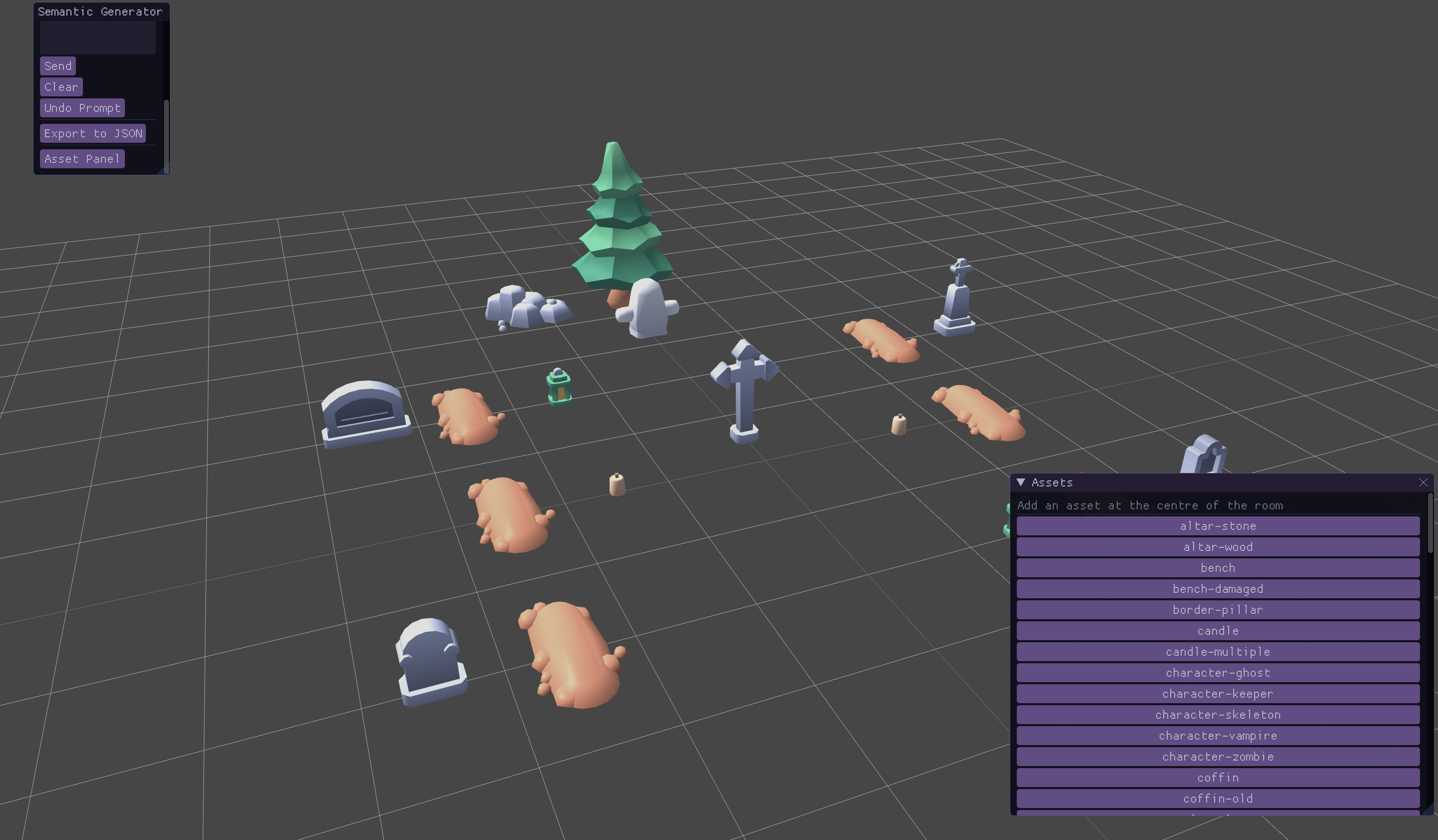
Semantic Staging Tool is an AI-assisted desktop application for dressing and arranging 3D scenes. Describe the setup you want in natural language, select a Groq-compatible model, and the application creates an editable layout using the 3D assets included with the project.
Features
.obj, .gltf, and .glb models from assets/models.Getting started
- Launch the application.
- Set your assets in the assets directory
- Enter your Groq API key in API Key. It is kept in memory only for the current session.
- Choose an LLM model. openai/gpt-oss-120b prioritizes quality, openai/gpt-oss-20b is faster, and qwen/qwen3.8-27b is an alternative.
- Set the room Width (X) and Depth (Z) in metres.
- Write a request in Prompt, for example: Arrange a cosy study area with a desk, chair, lamp, books, and a bookshelf.
- Select Send and wait for the scene to appear.
The first successful prompt creates a scene. Later prompts can add objects or edit an existing object by referring to its instance ID. Use Clear to start over, or Undo Prompt to revert the most recent AI-generated change.
Viewport controls
| Action | Control |
| Look aruound | Move the mouse while holding Right-click |
| Move forward / backward | W/ S |
| Strafe right / left | D/A |
| Move faster | E / Q |
| Select an object | Left-click it in the viewport |
| Translation gizmo | T |
| Rotation gizmo | R |
After selecting an object, drag the gizmo to adjust it. Rotation is stored around the vertical (Y) axis.
Exporting a scene
Select Export to JSON to create saved_scene.json in the application's working directory. The export contains the final, manually adjusted positions rather than the raw AI response:
{
 "entities": [
 {
 "instance_id": "desk_01",
 "prop_id": "M_room_desk",
 "position": { "x": 1.2, "y": 0.0, "z": -2.4 },
 "rotation_y": 90.0,
 "is_static": true
 }
 ]
}
prop_id is the filename stem of the loaded model, positions use raylib world coordinates, and rotation_y is expressed in degrees.
Disclaimer
This tool is not perfect and users will see that it can give poor results due to the lack of context. It is recommended to give small and concise prompts, and also to tweak the scene after it is generated.
Assets have to be named correctly , the LLM uses their names to get context.
Credits
Made with raylib
Demo Assets: https://kenney.itch.io/
Download
Click download now to get access to the following files:
Leave a comment
Log in with itch.io to leave a comment.